3 minutes
Media Setup
Introduction
I recently got pretty pissed off at my TV. Network television gives such a limited selection of what to watch and has infomercials every few minutes. Streaming services aren’t much better and if you get the cheaper versions, you’re still watching ads on a limited selection of media. I hated paying for multiple streaming services and having to STILL watch ads. I thought to myself about how fucking retarded this was and cooked up a bit of a solution.
I wanted to be able to watch any media for free, without ads, on a TV.
The Play
Getting Free Media
My friends put me on free media heck yeah (FMHY).
This allows you to 🏴☠️PIRATE🏴☠️ all the media you could ever want … for free … without ads.
At this point you have a choice:

The choice is yours, and I know which one I am picking.
TV Setup
The only thing missing at this point is to get it set up with the same TV experience you get anywhere else.
My solution was to use a raspberry pi 4b and a wireless keyboard and mouse (KB&M) combo.
Parts I used to build this divine setup:
- Raspberry Pi 4b - $70
- HDMI cable
- USB-C charging cable
- Micro SD card
- Logitech K400 Plus Wireless Touch Keyboard - $30
- Old Samsung TV
- Power strip with switch
Steps for setup:
- Install raspberry pi OS on the SD card and insert it into the raspberry pi.
- Connect the PI HDMI output to your TV (HDMI handles sound too).
- Plug in the USB for the wireless KB&M combo into the raspberry pi.
- Power the TV and the raspberry pi from the power strip.
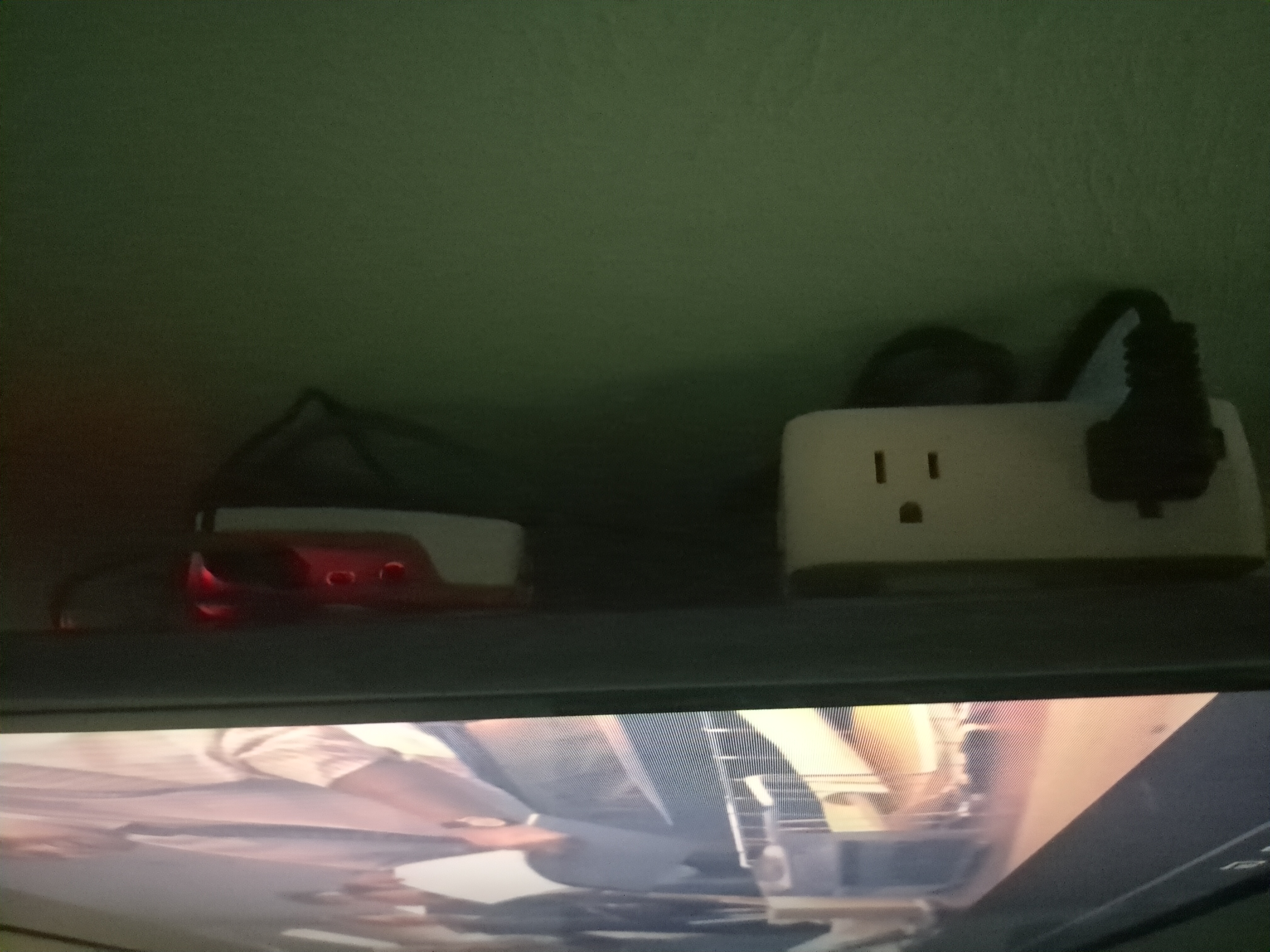
- Hide all of your cables behind the TV so it looks incredibly clean.
- Access the PI’s web browser and start watching your free media.
Troubleshooting:
- If sound doesn’t work on the TV, edit the sound output on the raspberry pi to go through HDMI.
- You can use the TV volume and control the volume through the KB&M unit.
Result
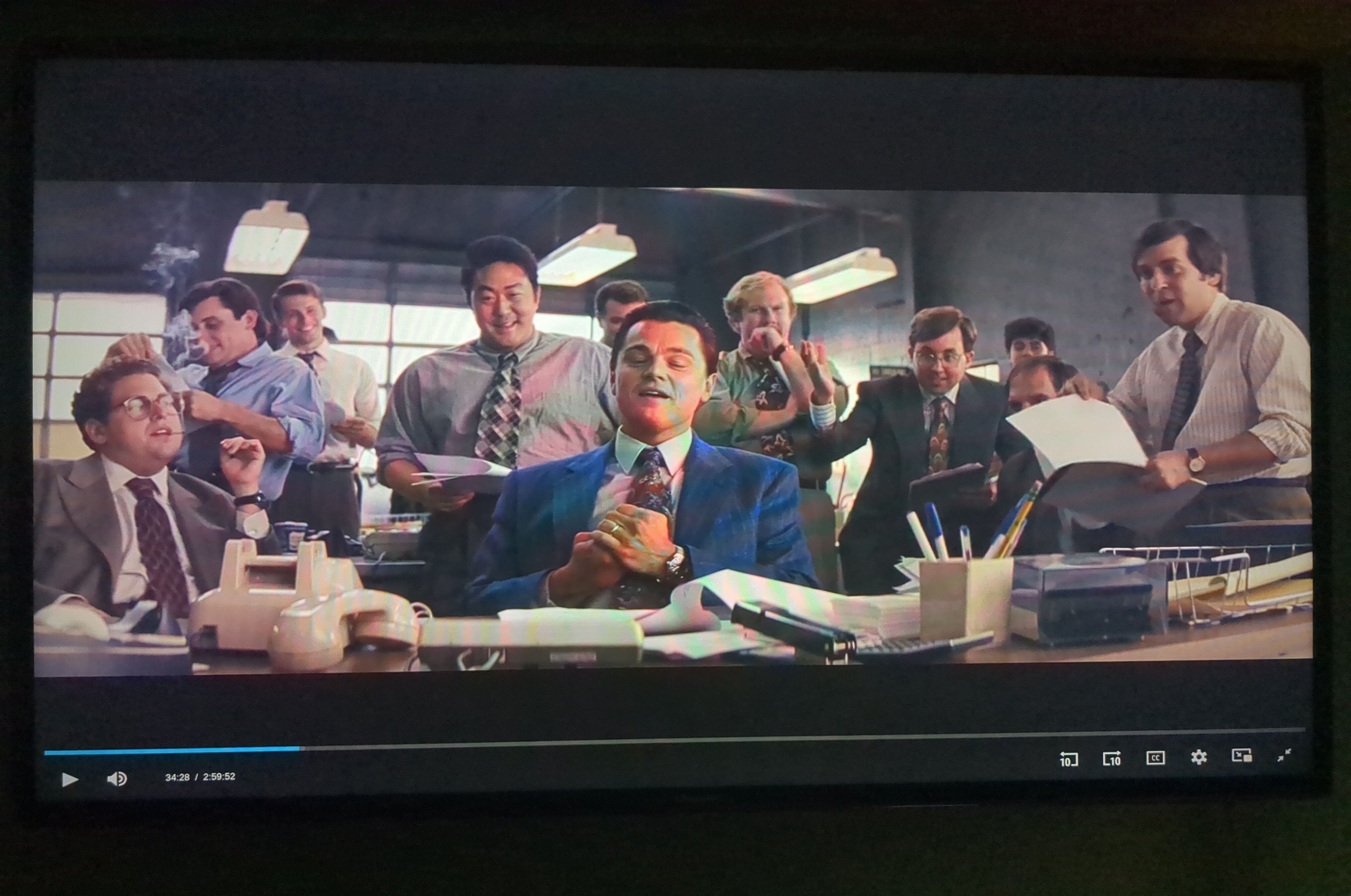
Finally, after you have done everything, you should be left with an upgraded setup like the following:
Front view:
 Side view:
Expansion Ideas
- Access other services like Youtube with an ad blocker or a custom client.
- Torrent whatever you want to watch and host it on your homelab.
- Have the raspberry pi access the media from there.
Conclusion
Streaming services and network TV are a pain in the ass and I am always looking for ways to save a quick buck whenever I can. With a bit of technical knowledge, you can get a better media experience for free or very cheap depending on the hardware you already have.
447 Words
2026-01-03 01:00